Everything else that makes RelOnion run.
The advanced modules and configuration that turn a CMMS into your CMMS — automated tag generation, an engineer's toolbox, failure registration, custom dashboards, themes, enterprise settings, service contracts, and full project management.
Automated tags for assets, parts & sensors
RelOnion generates consistent, structured tags automatically — with prefixes pulled straight from your library. Choose a recognised industry standard, or define your own, so the system fits your industry and territory.
ISO 14224
The international standard for collecting and classifying reliability and maintenance data. A standardised equipment taxonomy and failure modes — so your MTBF and failure rates are comparable across plants, vendors, and the whole industry.
SFI
The common coding system used across the maritime and offshore sectors to organise ship systems and equipment. Built for the territory it serves — so offshore operators work in a language they already know.
User-defined
Your industry, your codes. Define your own taxonomy and tag format when none of the standards fit — so RelOnion adapts to how your operation already works, not the other way around.

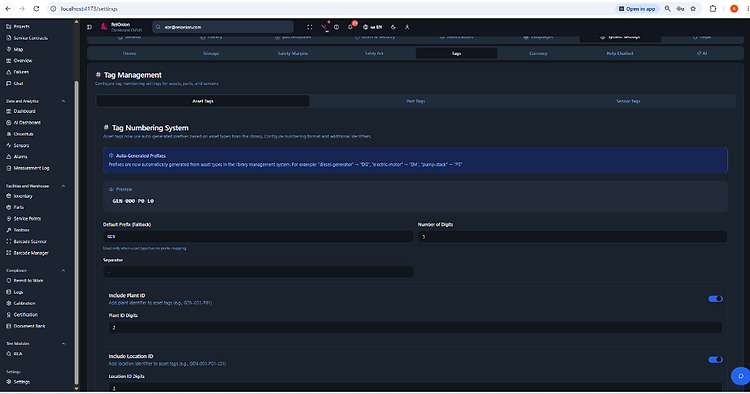
Auto-generated asset tags
Prefixes are generated automatically from asset types in your library — 'diesel-generator' becomes DG, 'electric-motor' becomes EM. Set digit count, separator, and optionally fold in plant and location IDs.
Always in the technician's pocket
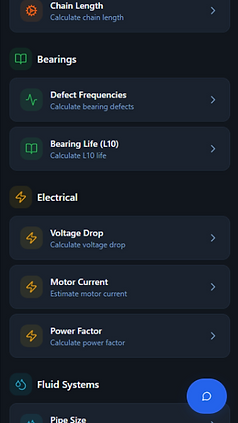
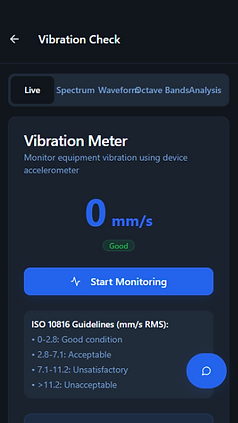
Nineteen professional maintenance and engineering calculation tools — sound, vibration, lubrication, mechanical, electrical, and alignment — built right into the app. No second app, no spreadsheet, no guessing on the floor.

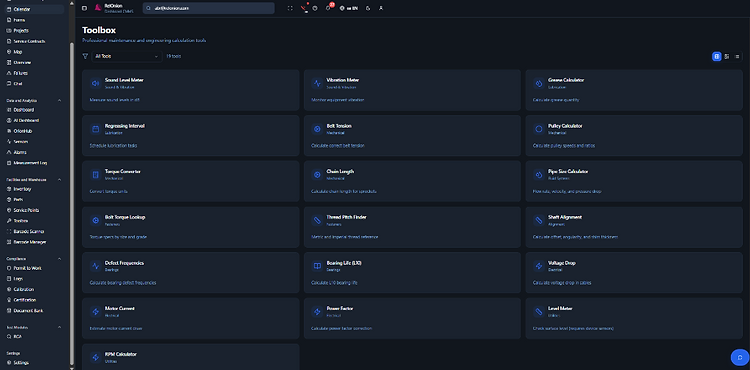

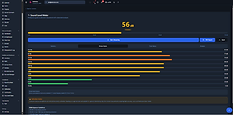
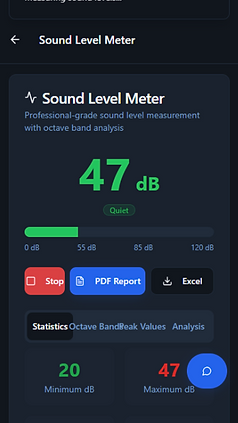
Sound Level Meter
Measure sound levels in dB with octave-band analysis and OSHA exposure guidance.

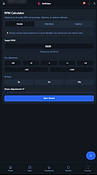
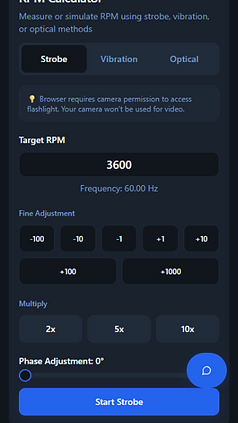
RPM Calculator (Strobe)
Measure or simulate RPM using strobe, vibration, or optical methods.

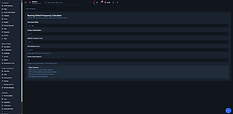
Bearing Defect Frequencies
Calculate BPFO, BPFI, BSF, and FTF for vibration analysis from geometry and speed.
In the technician's pocket
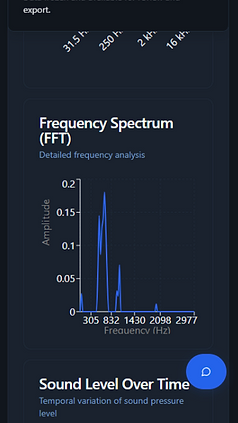
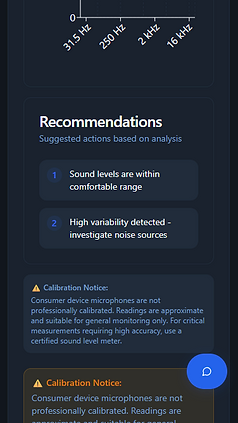
Every tool runs mobile-first — live readings, FFT spectra, and recommendations, right on the floor.






Record failures. Track reliability.
Register a failure event against any asset — failure mode, severity, root cause, runtime at failure, downtime, and cost. Reliability metrics and downtime update automatically.

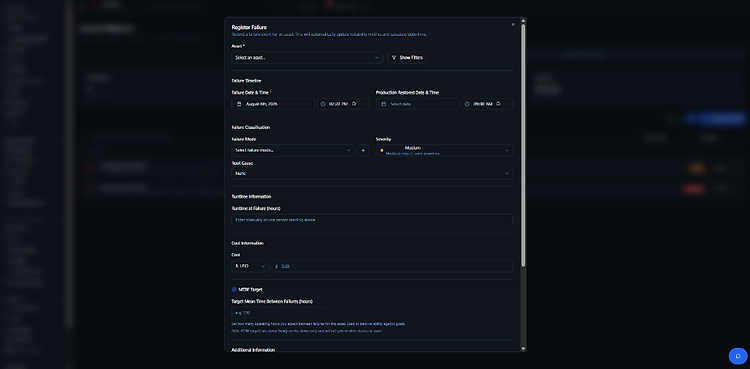
One form, full context
Asset, failure timeline, classification, runtime, cost, and MTBF targets — all captured in one structured modal. Set the target mean time between failures per asset to track reliability against goals.
- Failure mode, severity & root cause
- Downtime and production-restored timestamps
- Cost capture per event
- MTBF targets per asset

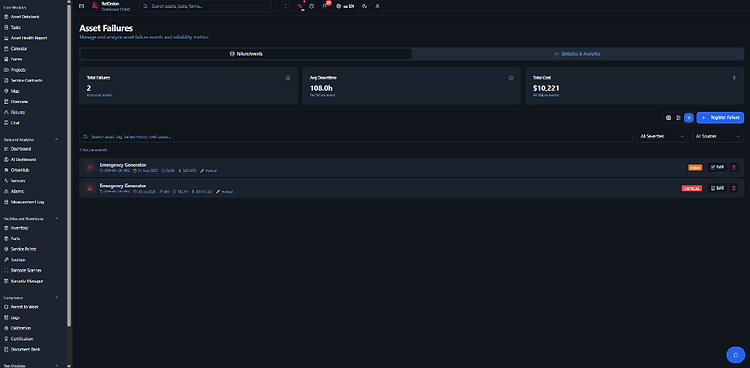
The failure register
Every failure event in one list — total failures, average downtime, and total cost across all assets. Filter by severity and source, then drill into statistics and analytics to find your bad actors.
A huge range of widgets — you switch them on.
Dozens of KPI cards, charts, and widgets — total assets, active tasks, health, cost ratio, reliability, trends, and more. Turn each one on or off, then build your own custom dashboard from the pieces that matter to you.

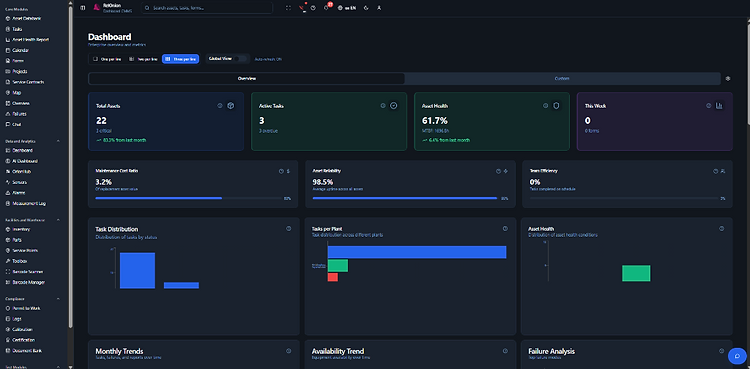

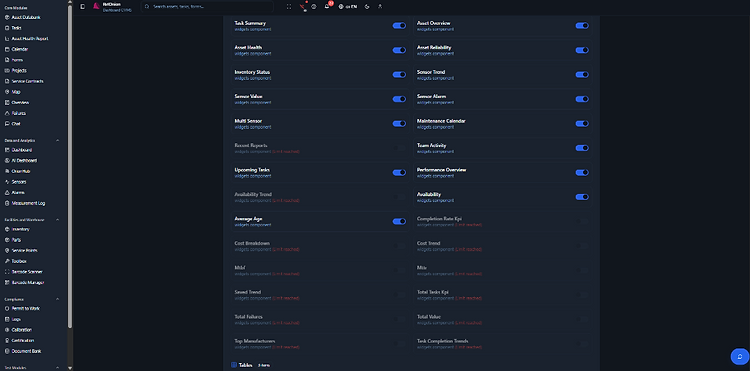
Switch widgets on & off
A full library of widgets behind simple toggles. Enable what you need, disable what you don't — the dashboard re-renders instantly.

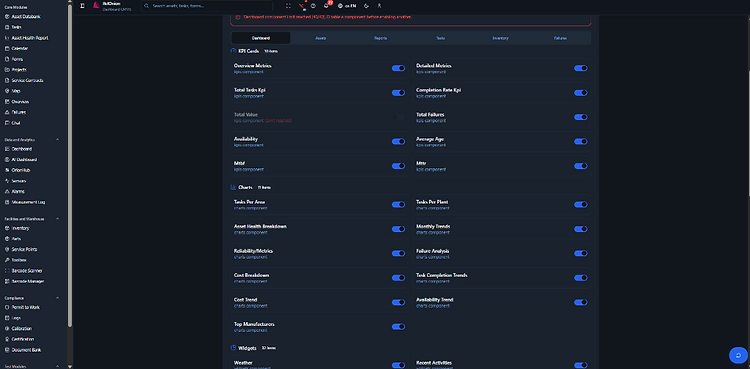
Build your own dashboard
Create custom dashboards from the widget library — your KPIs, your charts, your layout. Tailored to your role and your plant.
Make RelOnion yours.
Themes, currency, and your enterprise — plants, warehouses, customers, and vendors — all configured in one place.

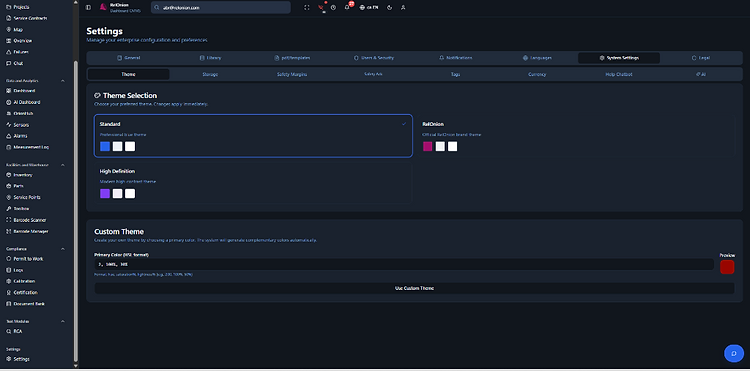
Themes
Three premade themes — Standard, RelOnion, and High Definition — apply instantly. Or build a custom theme from a single primary colour and let the system generate the rest.
- Standard, RelOnion & High Definition presets
- Custom theme from one primary colour
- Applies across the whole app instantly

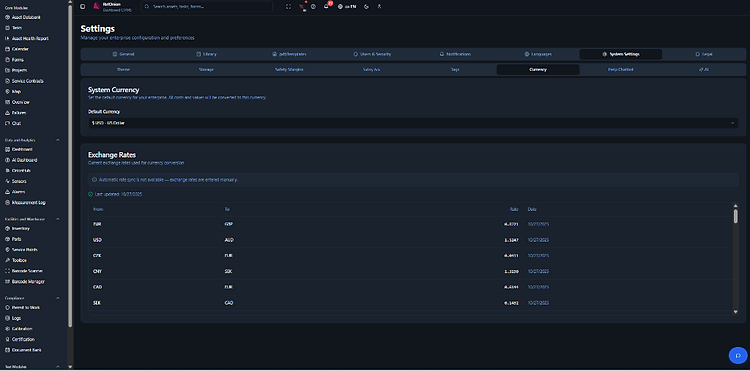
Currency
Set the default currency for your enterprise — all costs and values convert to it. Manage exchange rates manually so your numbers stay accurate.

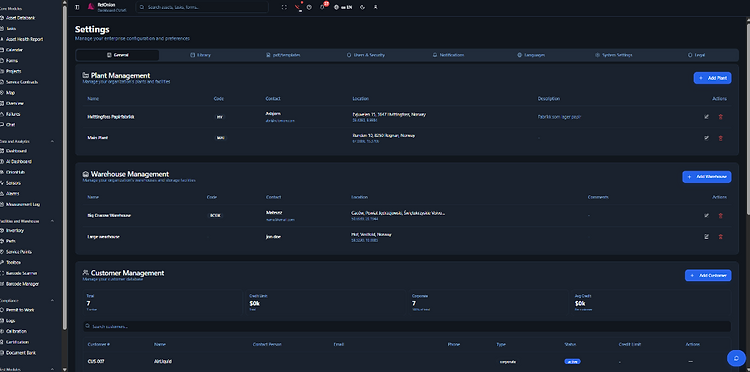
Enterprise
One contract module — everything linked.
Link assets, condition monitoring, tasks, and customer info into a single contract. Full control of service orders, tasks, and planning — with reporting and access handed back to the customer.

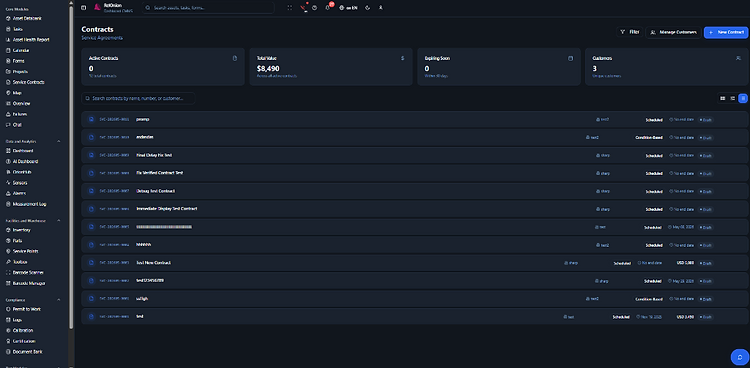
Contracts at a glance
Active contracts, total value, expiring soon, and customers — with scheduled and condition-based service types, end dates, and status badges. Filter and search the whole portfolio.
- KPIs: active, value, expiring, customers
- Scheduled & condition-based contracts
- Customer-linked service orders

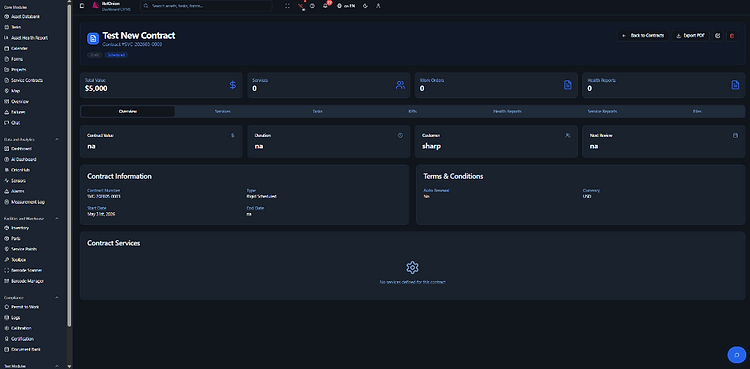
Everything linked to one contract
One contract record ties together value, duration, customer, and review dates — with tabs for services, tasks, KPIs, health reports, service reports, and files. The full picture for your service team and your customer.
- Services, tasks, KPIs & health reports
- Service reports and attached files
- Customer-facing reporting and access
Full overview of the big jobs.
Larger maintenance campaigns, dry docks, commissionings, and new build projects — linked tasks, milestones, Gantt charts, reports, and timelines, all in one place.

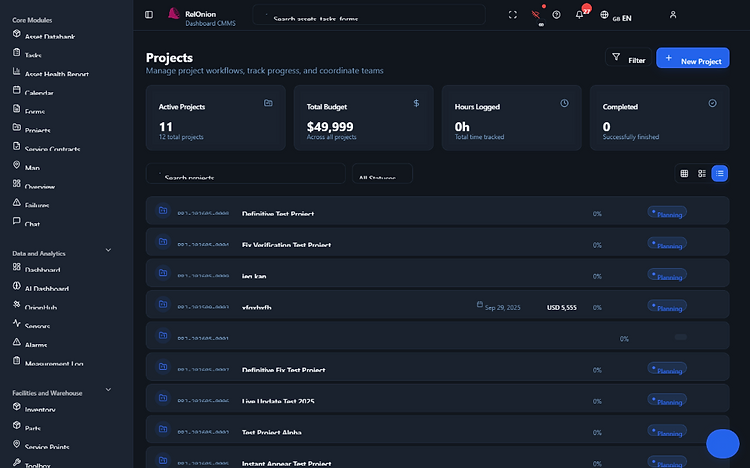
Plan, track, and deliver
- Linked tasks and work orders rolled up under one project
- Milestones with due dates and completion tracking
- Gantt view of the whole campaign on one timeline
- Reports, files, and budgets attached to the project
Whether it's a planned shutdown, a dry dock, a commissioning, or a brand-new build — the project module gives your team one timeline to run it from.
The platform behind the platform.
See how RelOnion's advanced modules and settings adapt to your industry, your territory, and the way your team works.
Book a Demo